For community managers and HOA boards
Give the community a portal. Keep the office to yourselves.
Residents get the documents, forms and signatures they need on your own website. Staff get the whole system behind it.
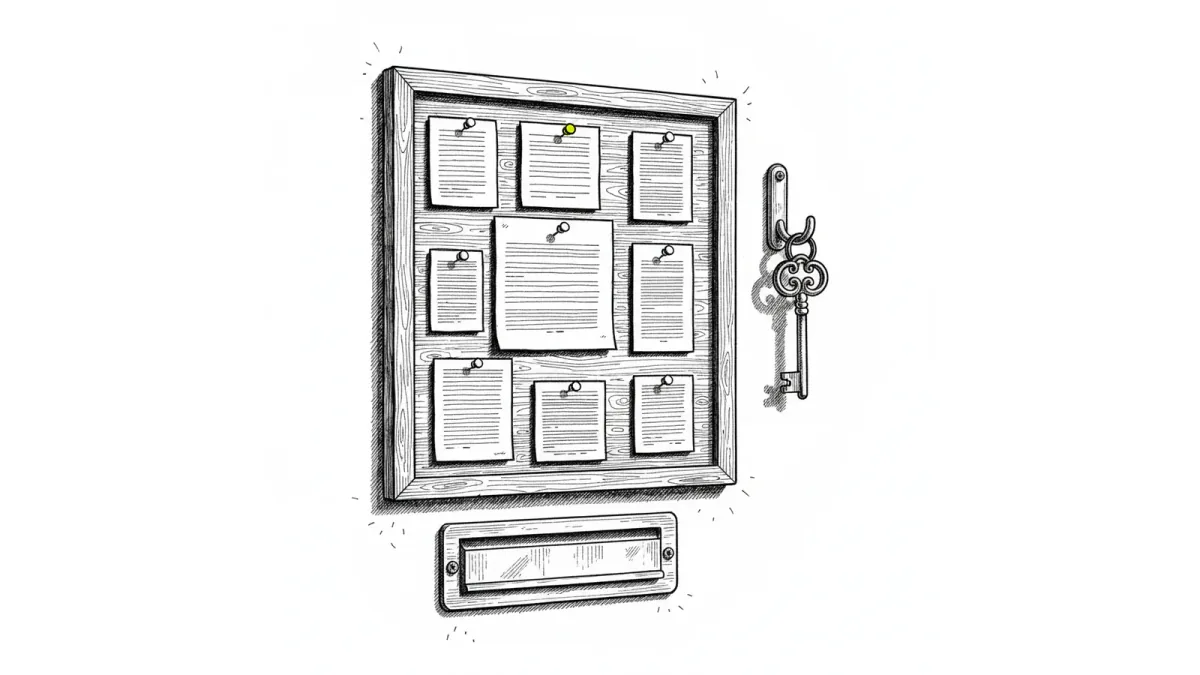
The shape of an association year
Most of the volume is predictable
Two of these categories disappear almost entirely once documents are published and requests arrive on a form.
41%
Are document requests
Answered permanently by one published folder

3x
Spring request volume
Architectural season, every year
0
E-signature subscriptions
Signing is already in the system
- Document requests41%
- Architectural requests23%
- Violation correspondence18%
- Vendor administration12%
- Everything else6%
Sound familiar
Your week, roughly
- 01The same five emails asking where the CC&Rs are
- 02Architectural requests arriving as photos attached to texts
- 03Chasing a board member for one signature on one document
- 04Rebuilding the same violation letter from last time
- 05A resident who insists they never received the notice
And what it costs
What you are paying for now
A separate portal vendor
Another subscription, another login for residents to forget
E-signature seats
Paying per seat to send documents that already live in your system
The filing time nobody counts
Hours a month renaming and moving files by hand
Nucleus One absorbs all three.
The part residents see
Your website, with your documents in it
Nucleus One publishes a folder and hands you the embed code. Paste it into the community site you already have.
Community Documents
Published by the association. No login required.
- Covenants, Conditions & Restrictions
- Architectural Guidelines 2026
- Pool Rules and Hours
- Annual Meeting Minutes
- Reserve Study Summary
The embed code Nucleus One gives you
<iframe width="100%" height="100%" frameborder="0"
  src="https://app.nucleus.one/..."></iframe>
And it carries your branding
Primary and accent colours, background and toolbar colours, font family, a custom font URL and a folder icon are all settings on the project.
The request everyone argues about
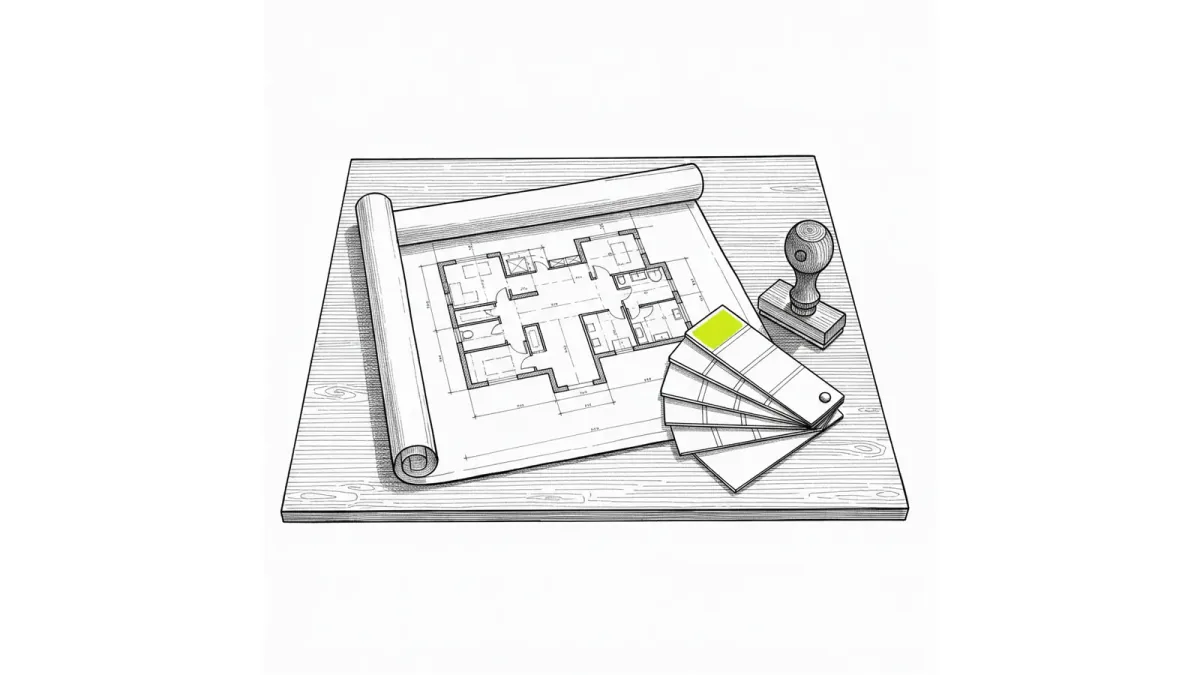
An architectural request, start to finish
The one process that generates the most email in a community association, handled once.
01Submitted
Owner fills the form, attaches plans and photos
02Acknowledged
Lands as a task with an owner and a due date
03Committee review
Routed to the ARC group, who see only their matters
04Decision signed
Approval or denial signed and returned to the owner
05On the record
Filed against the property, findable years later
Both sides of the line
One system for the office and the community
Three things cross the line. Everything else stays exactly where it is.
How it works
What the association gets
- 01
A portal that looks like your site
Public folders carry your colours, your font and your icon, and Nucleus One hands you the embed code to paste in.
- 02
Requests that route themselves
A submitted form becomes a task on the board with an owner, a priority and a due date.
- 03
Signatures without another vendor
Request a signature on the document where it lives, backed by a real certificate authority.
- 04
Proof it was sent
Every step is recorded, so "I never got it" has an answer.
FAQ
HOA questions
Yes. A project can publish document folders publicly, and Nucleus One provides embed code so the folder appears inside your existing community website. Residents do not need a Nucleus One account to read them.
Yes. Public folders have their own theme settings covering primary and accent colours, background colours, toolbar colour, font family, a custom font URL and a folder icon.
Nucleus One includes signature requests backed by its own public key infrastructure, so documents can be sent for signature and returned signed without a separate e-signature subscription.
Put the portal on your community site
Create a free account, publish a folder, and paste the embed code into the site you already have.
Prefer to talk? Call (863) 937-0272